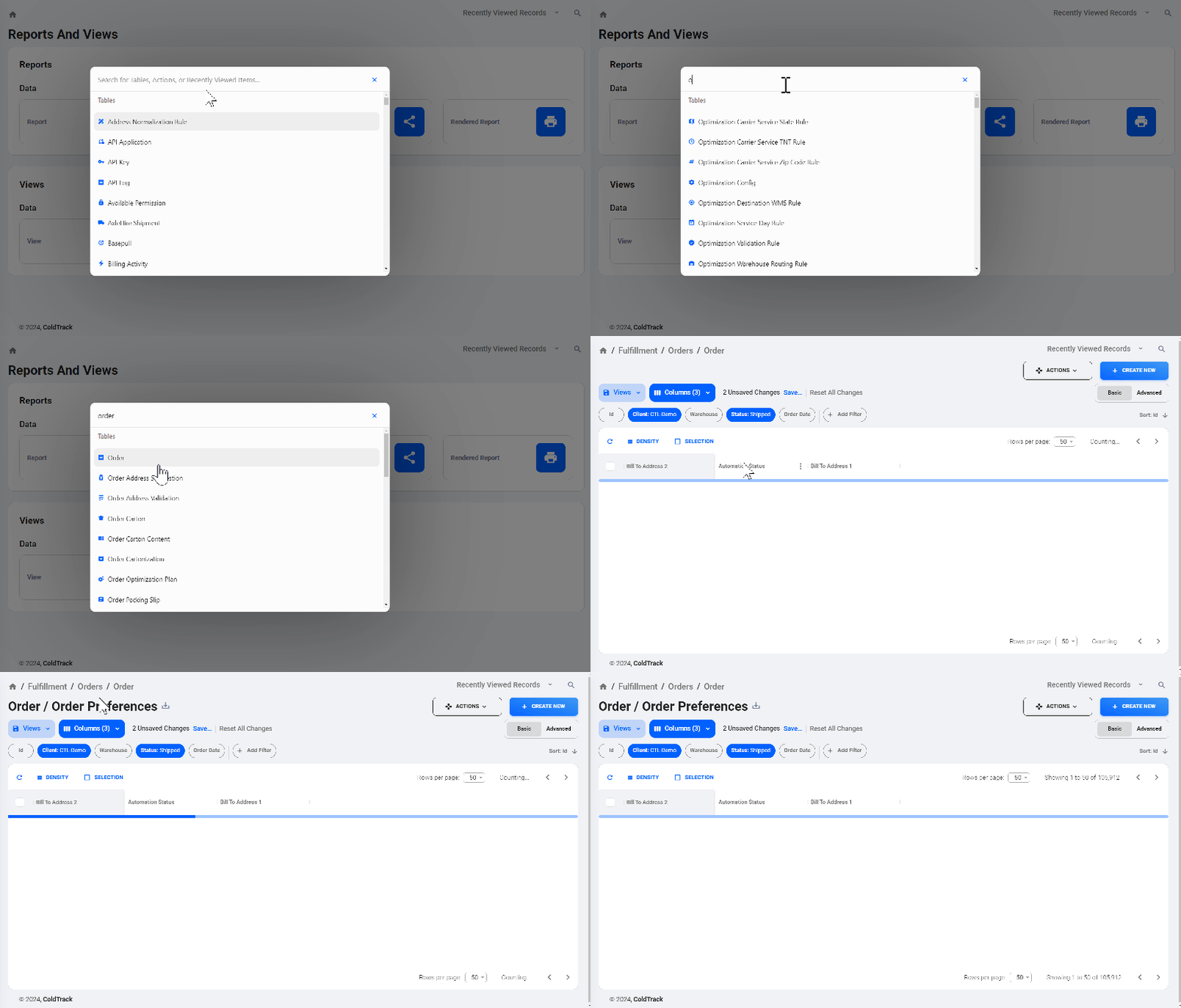
The “Quick Navigation” tool allows you to easily go directly to any Table, Action, or Recent Activity.
Within any page in ColdTrack Live, there are two ways to open Quick Navigation:
- Use the keyboard shortcut by typing “.” on any page (must be outside of a text input field)
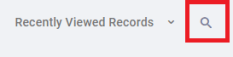
- Select the magnifying glass icon in the top right corner of any page:
Either of these options will open the modal pictured below. Type in the “Search for…” bar to navigate to what you are looking for. This will allow you to quickly and easily search for different tables and actions across ColdTrack Live. When you click on the table or action, the modal will close and navigate you to the item selected.